Pillar Guide
Bible Study on iPhone — The 2026 Toolkit
Phones are usually where Bible study goes to die — distraction wins, the verse you read at 7am is gone by 7:05. But a small set of iOS tools can flip that. Used right, the iPhone is one of the most powerful Bible study setups ever assembled.
Quick Answer
The best iPhone Bible study setup in 2026 is four apps doing one job each: YouVersion for reading and reading plans, Olive Tree for deeper study and commentaries, a memorization app (Verses or Bible Memory) for spaced repetition, and FaithWall for keeping this week's verse on your lock screen. Don't optimize for more reading — optimize for slower reading.
The four pillars of an iPhone Bible study setup
A primary reading app — your translation, your notes, your highlights, in one place.
A memorization app — verses move from your eyes to your heart through spaced repetition.
A commentary — when a verse trips you, you want context in two taps.
A surface that won't let you forget — a lock screen verse, a widget, a daily reminder.
Tip
Don't optimize for more reading. Optimize for slower reading. One verse, ten minutes, repeated three times a week, beats a chapter a day you can't remember.
The compound workflow
- 1
Pick one verse on Sunday — FaithWall sets it as your lock screen for the week.
- 2
Monday: read the surrounding paragraph in your Bible app. Highlight.
- 3
Tuesday: read the chapter. Note the context.
- 4
Wednesday: read a commentary on the verse. Write one sentence.
- 5
Thursday: pray the verse — turn it into address, request, thanksgiving.
- 6
Friday: share or teach it — text it to a friend with one sentence about what it meant.
"I have stored up your word in my heart, that I might not sin against you."
Anchor your study with FaithWall
Pick the verse. We'll keep it in front of you all week.
Featured articles in this guide
Audio Bible App iPhone Background: Play It All Day Without Opening Anything
How to run an audio bible app in the background on iPhone — the apps, the Control Center setup, and the one thing audio alone can't do that keeps Scripture in view.
July 13, 2026

One Year Bible Plan iPhone: The Setup That Survives Past February
A one year bible plan iphone setup that actually finishes — which plan to pick, the ~15-minute daily math, and how to keep the next reading impossible to forget.
June 19, 2026
Bible Reading Plan Widget iPhone: Make the Plan Impossible to Forget
A bible reading plan widget iphone setup that keeps today's passage in front of you — the home and lock screen widgets that stop plans dying by week three.
June 11, 2026
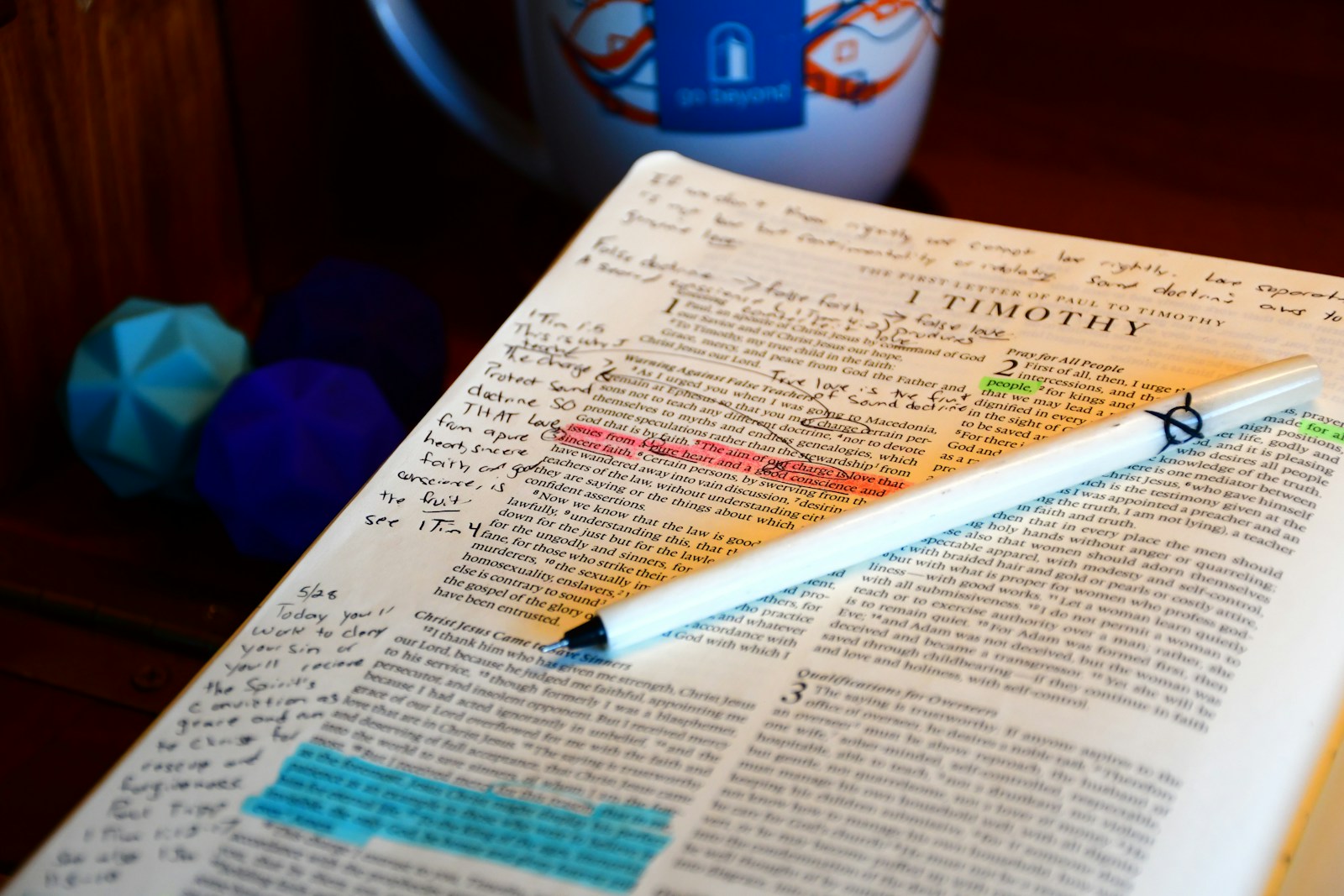
How to Highlight Verses on iPhone: The Tap Sequence and the System That Makes It Stick
How to highlight verses on iphone — the exact taps in YouVersion, Olive Tree, Bible Gateway, plus the color-coding system that keeps highlights useful.
June 2, 2026
Best Free Bible Apps for iPhone (2026): Ranked & Tested
The best free bible app iphone pick is still YouVersion in 2026 — ranked against 9 other real apps, tested for truly-free vs freemium, plus the daily-exposure gap every reader hits.
May 30, 2026

Bible Memorization Apps iPhone Users Actually Stick With
The bible memorization apps iphone users keep — Verses, Bible Memory, Fighter Verses — plus the exposure half that makes verses actually stick past week two.
May 24, 2026
All Bible Study on iPhone — The 2026 Toolkit guides
- Audio Bible App iPhone Background: Play It All Day Without Opening Anything
- One Year Bible Plan iPhone: The Setup That Survives Past February
- Bible Reading Plan Widget iPhone: Make the Plan Impossible to Forget
- How to Highlight Verses on iPhone: The Tap Sequence and the System That Makes It Stick
- Best Free Bible Apps for iPhone (2026): Ranked & Tested
- Bible Memorization Apps iPhone Users Actually Stick With
- Best Bible Study App for iPhone (2026): Notes, Highlights & Commentaries