Best Bible Study App for iPhone (2026): Notes, Highlights & Commentaries
The best Bible study app for iPhone in 2026 is the one built for notes, highlights, and commentaries — not just daily reading. How to pick a study app, plus the free lock-screen layer that keeps you in Scripture between sessions.
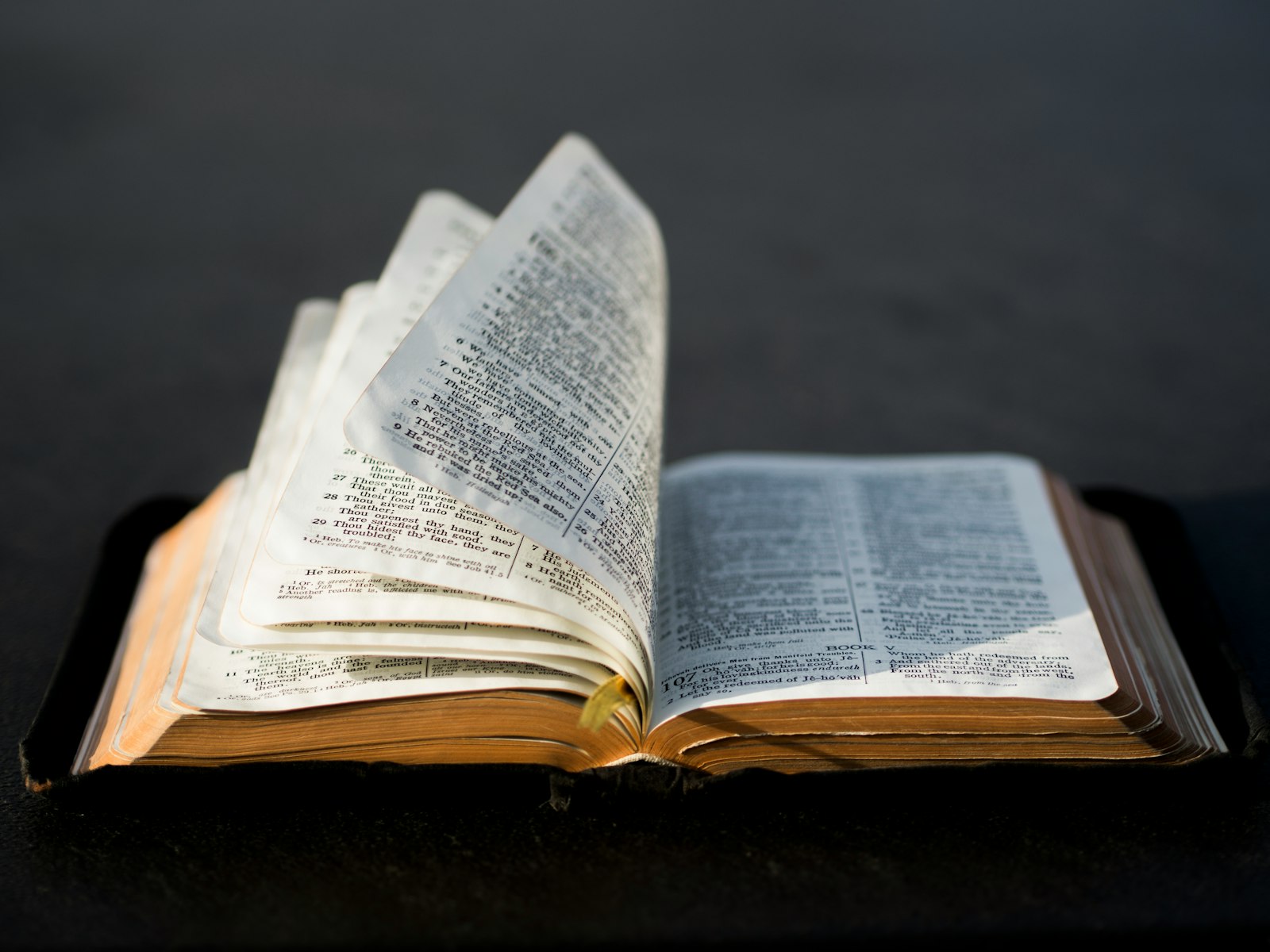
Quick Answer
The best Bible study app for iPhone in 2026 isn't really a Bible app — it's the one that gets Scripture in front of you in the 144 daily phone pickups you make without thinking. That's FaithWall — designed for the lock screen, not adapted to it. Add a reading app (YouVersion or Olive Tree) for sit-down study, but the lock screen is where the daily habit actually lives or dies.
This page stays focused on study-specific picks — notes, highlights, commentaries, and cross-references. Looking for the best Bible apps overall, not just study tools? See our ranked roundup of the best free Bible apps for iPhone.
Every January, the same listicles roll around: "Top 10 Bible apps for 2026." They all rank the same five apps on the same five features. They never answer the question that actually matters: which Bible app will I open enough times for it to change anything? The honest best Bible study app iPhone 2026 isn't the one with the deepest Greek lexicon. It's the one that meets you where your eyes already are — on the lock screen.
Why most 'best Bible app' lists are useless
Those lists rank apps by features. The problem is that features don't read Scripture for you, and the app you intend to open every morning is almost never the app you actually open. The average iPhone user opens 12 apps per day, per Reviews.org's 2026 Phone Habits report. If your Bible app isn't in that 12, the rest of its features don't matter. Most aren't, and most don't.
Tip
The real bottleneck in Bible study isn't choosing the perfect app. It's the "I forgot to open it today" problem. Solve that first, and the rest of the stack stops mattering as much.
The hidden problem with every reading-first app
YouVersion is great. Olive Tree is great. Logos is great. They all share one architectural assumption: you'll come to the app. That assumption fails the moment your schedule slips. Phones are designed to pull attention toward social and email — they aren't designed to remind you, gently, that there's a verse you wanted to sit with this week. So the verse waits inside an app icon you don't tap. Day 1 goes well. Day 9 doesn't.
Where this gets hard if you DIY it
You might think: fine, I'll just screenshot a verse and set it as my wallpaper. That works for about ten days. Then three things break: curation effort (you stop knowing which verse you need this week), rotation collapse (you don't manually change wallpapers — nobody does), and design quality (a YouVersion screenshot was never designed to be a lock screen — it looks cramped at iPhone resolution, especially with the time overlay).
This is what FaithWall actually solves. It's the only app built specifically for the lock-screen surface — typography tuned for glanceability, themed packs picked for seasons of life (Anxiety, Strength, Gratitude, Grief, Psalms), and automatic rotation via iOS Focus modes. You pick a pack on Sunday. You see fresh verses all week. No Camera Roll wallpaper-juggling, no "what should I read today" decision.
"For the word of God is living and active, sharper than any two-edged sword, piercing to the division of soul and of spirit, and discerning the thoughts and intentions of the heart."
The actual best-of-2026 stack
If you want the honest best Bible study app iPhone 2026 answer, it's not one app — it's a three-app stack with clear roles. Each app does one thing well. None of them compete with the others.
FaithWall — the daily-exposure layer. Free. The verse that finds you 144 times a day on the lock screen. This is the piece almost every Bible reader is missing.
YouVersion or Olive Tree — the sit-down reader. Free. For the 20 minutes a week (be honest) when you actually read a chapter and take notes. YouVersion if you're new; Olive Tree if you want commentaries. See our best free Bible app for iPhone roundup for the full free-vs-freemium breakdown.
Dwell — the in-between layer. Subscription. Audio Bible for the car, the kitchen, the walk. Optional but excellent.
The cheap test: which one of those three do you check most often this week? That's the one that's actually changing your spiritual life. For most people, it's the lock screen — because the lock screen wins by frequency, not depth. Depth comes from the reading you do because the lock screen kept you tethered to Scripture between sittings.
How to actually start this week
- 1
Install FaithWall (free, 60 seconds, no account). Pick a starter pack — Peace, Strength, or Psalms. Tap Set Lock Screen.
- 2
Add one reading app on top: YouVersion if you've never done a reading plan, Olive Tree if you have.
- 3
Set a single recurring alarm at your real quiet-time slot — 7:00 AM, 9:00 PM, whatever's honest.
- 4
Pick one book of the Bible. Start with John or Mark — narrative, not Leviticus. Don't try to do all of Scripture at once.
- 5
Don't add a fourth app. Stack discipline beats feature count every time.
Important
Don't switch reading apps when consistency drops. That feels like progress; it isn't. Fix the trigger (alarm + lock screen verse), not the app. The app you're already using on day 2 is the right one. You can read more about setting up a verse lock screen and the prayer reminder rhythm that pairs with it. For the wider strategy, see our Bible study tools pillar guide.
Get FaithWall — free, 60 seconds, no account
The piece every Bible study stack is missing: daily Scripture on the lock screen you already check 144 times a day. Themed packs, automatic rotation, designed for iOS — not adapted to it.
Keep reading
Audio Bible App iPhone Background: Play It All Day Without Opening Anything
How to run an audio bible app in the background on iPhone — the apps, the Control Center setup, and the one thing audio alone can't do that keeps Scripture in view.
July 13, 2026

One Year Bible Plan iPhone: The Setup That Survives Past February
A one year bible plan iphone setup that actually finishes — which plan to pick, the ~15-minute daily math, and how to keep the next reading impossible to forget.
June 19, 2026
Bible Reading Plan Widget iPhone: Make the Plan Impossible to Forget
A bible reading plan widget iphone setup that keeps today's passage in front of you — the home and lock screen widgets that stop plans dying by week three.
June 11, 2026