Prayer Reminders on iPhone: How to Build a Rhythm That Actually Sticks
The exact iPhone setup for prayer reminders that survive past week two — alarms, Focus modes, widgets, and the small habits that turn good intentions into rhythm.
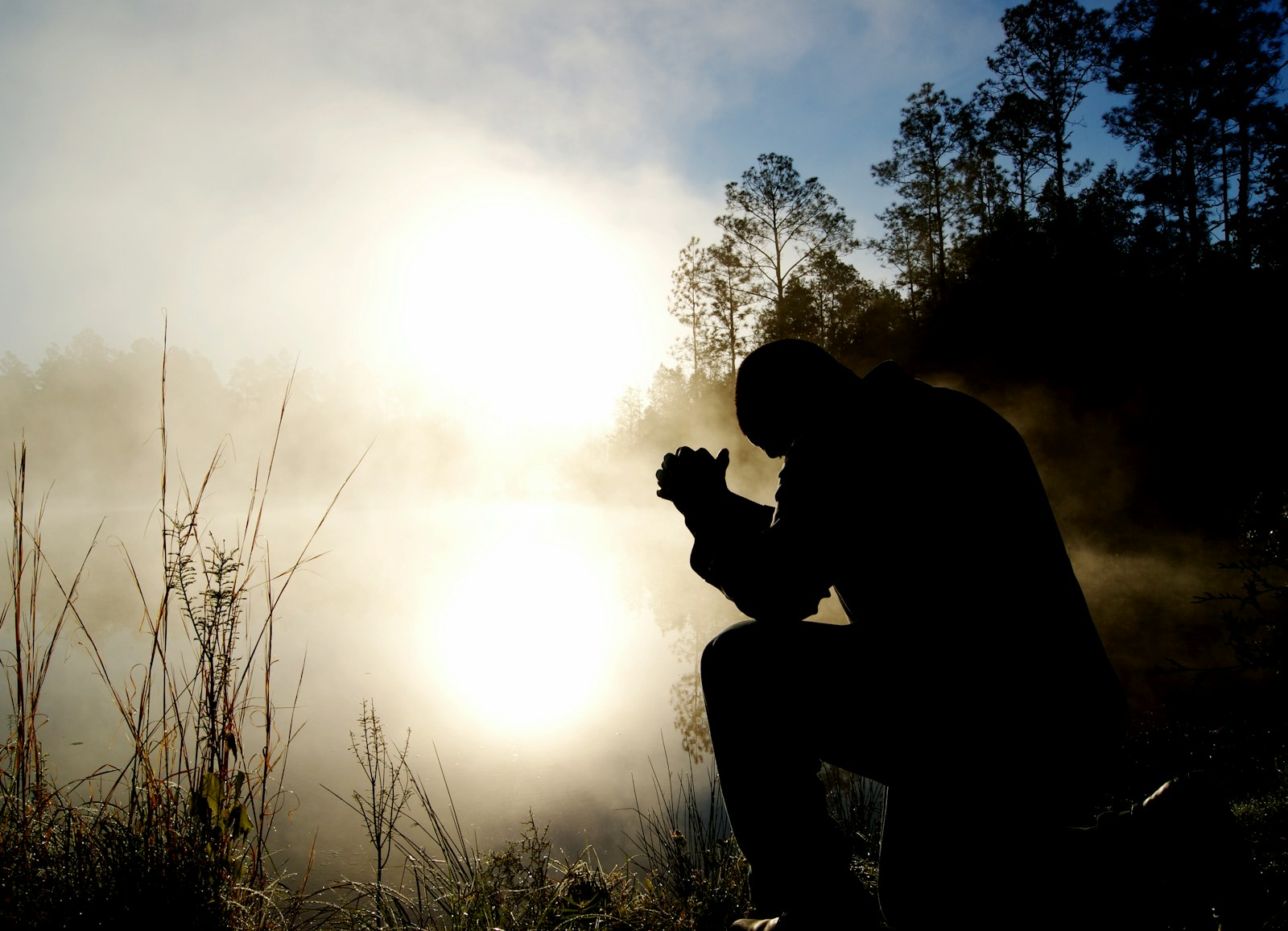
Quick Answer
Set prayer reminders on iPhone by combining three alarms (7am, noon, 9pm) with descriptive labels, a Quiet Time Focus mode, and a lock-screen verse widget. The trick isn't the alarm — it's pairing each one with something you already do.
Most people set up prayer reminders on iPhone and abandon them within nine days. It's not a willpower problem. It's a design problem. A buzz that says "Pray" with no context, no anchor, and no follow-through is just one more notification to swipe away.
This guide is the iPhone setup that actually works — the one most readers settle on after trying every prayer app on the App Store. Three alarms, one Focus mode, one widget. Built around behavior, not features.
Why generic reminders fail
BJ Fogg's behavior model, which has shaped most modern habit research, says a behavior happens when motivation, ability, and a prompt all show up at the same time. Reminders supply the prompt. They do nothing for the other two. A 7am alarm that says "Pray" hits a tired brain with no plan. Of course it gets dismissed.
Tip
Anchor every reminder to something you already do. Not "Pray at 7am" — "Pray during the first sip of coffee." The phone reminds you of the anchor, not of the prayer itself. The coffee does the rest.
The three-alarm rhythm
This is the simplest setup that survives the messy month of real life. Three iPhone alarms, each labeled with a specific kind of prayer. No app required.
- 1
7:00 AM — "Thanksgiving". Anchor: first sip of coffee. One minute. Name three specific things from the last 24 hours.
- 2
12:00 PM — "Examen". Anchor: walking back from lunch. Two minutes. What's pulling at you right now? What does God already know about it?
- 3
9:00 PM — "Confession + Rest". Anchor: putting the phone on the charger. Three minutes. Name what you wish you'd done differently. Receive that the day is finished.
Label each alarm with the prayer type, not a generic word. "Pray" is forgettable. "Examen" is a question your tired brain will actually engage with.
Where this gets hard (week two)
The three-alarm rhythm works for about ten days. Then three things start to break, in this order: the labels stop being meaningful (you stop reading them — "Thanksgiving" becomes another notification to swipe), the prompt has no content (an alarm tells you to pray, but doesn't give you what to pray about), and there's no Scripture in the loop (you set the alarm, you say something brief, you move on — no verse anchors it). The system collapses into a vibration you dismiss.
This is where FaithWall fits. Instead of a bare alarm, your lock screen carries the verse and prayer prompt during the alarm — "Thanksgiving" with Psalm 100 sitting underneath, "Examen" with Psalm 139:23–24. The alarm becomes a moment with content, not a notification asking you to come up with one. Themed packs (Confession, Gratitude, Intercession) match each alarm to a different rhythm of prayer.
"O Lord, in the morning you hear my voice; in the morning I prepare a sacrifice for you and watch."
Layer 2: the Quiet Time Focus mode
iOS Focus modes (iOS 16+) are the most underused prayer tool on the iPhone. A Quiet Time Focus silences notifications, swaps your lock screen, and gives you a one-tap retreat from the noise. Here's the setup:
- 1
Settings → Focus → + (top right) → Custom.
- 2
Name it Quiet Time. Pick a soft color and the prayer-hands icon.
- 3
Allow notifications only from: spouse, kids, emergency contacts. Nothing else.
- 4
Schedule: 6:30–7:00am daily (or your slot). Optional: add a second window at 9:00–9:15pm.
- 5
Customize Screens: pick a Scripture wallpaper (FaithWall installs these automatically for this Focus).
- 6
Save. Your phone now becomes a different phone for one hour a day — no buzzing, no thumbnails, no scroll.
Pro move: in the Focus settings, add the FaithWall app to the Allowed Apps list. That way prayer prompts can still surface during Quiet Time while everything else stays silent.
Layer 3: the lock-screen widget
Reminders work best when the reminder is also the prayer. A widget that surfaces who you're praying for, or which verse you're meditating on this week, removes the "what am I praying about?" friction. The iPhone average user picks up their phone 144 times per day, per Reviews.org's 2026 Phone Habits report. Each pickup is a chance to remember.
Daily prayer focus widget — surfaces one person, one verse, or one theme each day. The thing you commit to pray for, on the screen you check 144 times.
Verse rotation widget — different verse every day, packs by theme (Comfort, Strength, Confession).
Prayer list widget — your committed list, alphabetical. Tap to mark prayed.
If you want the wallpaper-and-widget side of this setup done for you, that's what FaithWall does on the lock screen. For the wider prayer-on-iPhone strategy — journals, voice memos, Focus stacking — see the prayer life pillar guide.
What to do when the rhythm breaks
It will. Travel happens. Sick kids happen. The week you miss every prayer alarm three days in a row is normal, not failure.
Important
Don't restart the streak. Restart the next alarm. Streak-counting in prayer turns into performance. The 7am alarm tomorrow doesn't care that you missed yesterday's noon. It just goes off, and you take it.
The point of prayer reminders on iPhone isn't a perfect log. It's that you're more present with God than you were a month ago. That's the only number that matters.
Make every prayer alarm carry a verse
FaithWall pairs your prayer alarms with Scripture on the lock screen — themed packs (Thanksgiving, Confession, Examen) so the alarm becomes a moment with content, not a buzz to dismiss. Free, 60 seconds, no account.
Keep reading

Morning Prayer Routine iPhone: A Four-Part Rhythm That Holds
A morning prayer routine iphone setup that survives past week one — a simple four-part structure, the single phone cue that fires it, and how to keep it alive.
June 21, 2026

Daily Prayer Widget iOS: The Setup That Actually Moves You to Pray
A daily prayer widget ios setup for home and lock screen — how to keep prayer glanceable so a reminder you'd swipe away becomes a prompt you actually act on.
June 16, 2026
Best Prayer App for iPhone (2026): Free Picks, Ranked
The best prayer app for iphone, ranked and free-tier tested: FaithWall first for the daily trigger, then Hallow, Lectio 365, Abide, Echo Prayer and PrayerMate compared honestly.
June 7, 2026