Verse Mapping iPhone App: The Setup That Replaces the Worksheet
Verse mapping iphone app searches turn up printables, not apps. Here's the real setup: word study, write-up, and a way to keep the mapped verse in view.
Quick Answer
There's no dedicated verse mapping iphone app — the method runs on three tools working together: Blue Letter Bible for the word study (free, three taps to the Strong's number and lexicon), a notes app for the write-up, and FaithWall to carry that week's mapped verse onto your lock screen once the study session ends, so it doesn't just sit in a notes folder you never reopen.
Search verse mapping iphone app and most of what comes back is printable worksheets and Pinterest templates — the four-box layout where you write out a verse, define a word or two, add a cross-reference, and land on one application sentence. That's not a search-skill problem. No single app on the App Store owns look-up, write-up, and follow-through at once, so verse mapping stayed a paper-and-pen habit even after everything else about Bible study went digital. FaithWall doesn't try to be that missing app either. It picks up after the mapping session ends — the one piece the method never had a plan for.
What verse mapping actually is
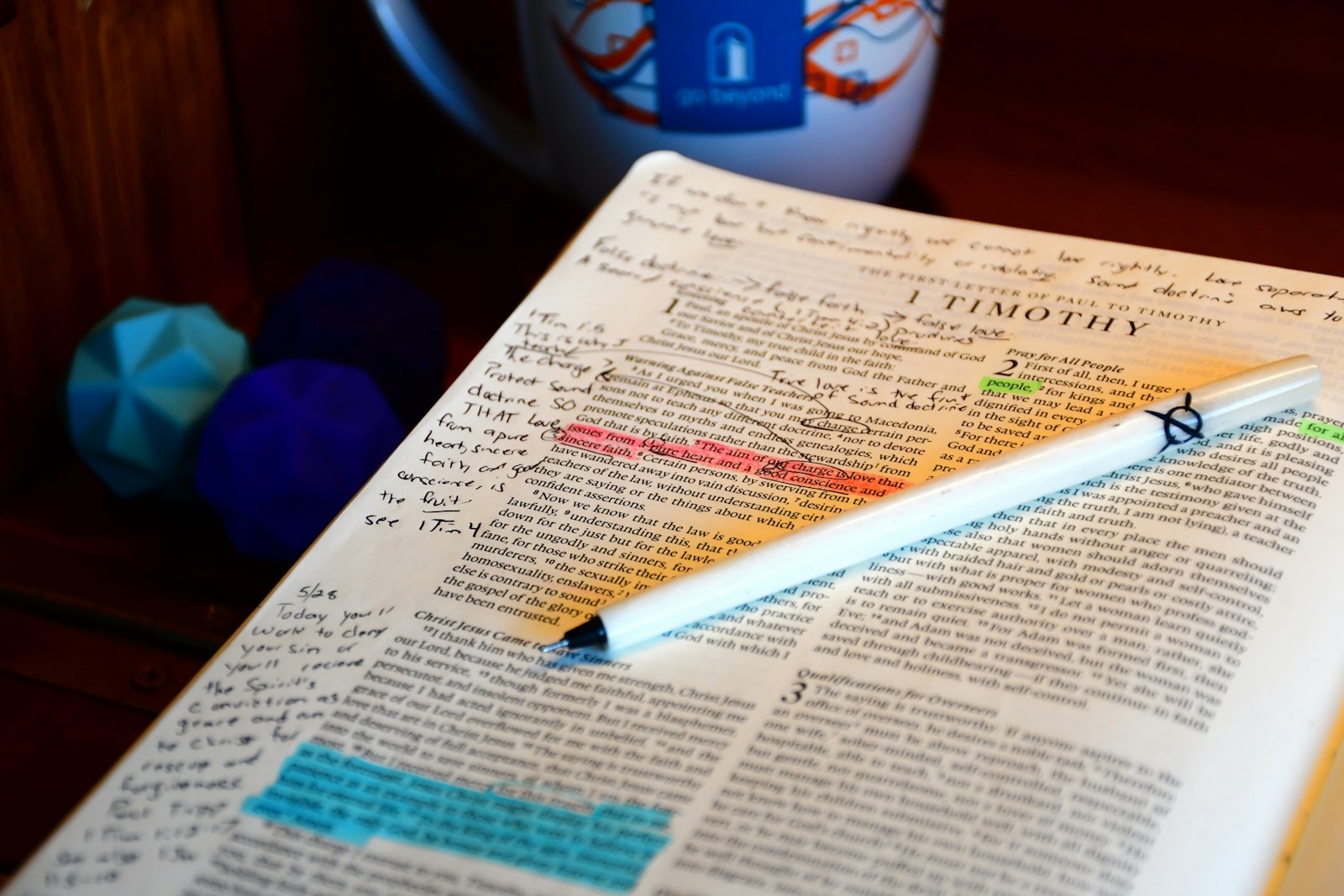
Verse mapping is a four-step method for studying one verse slowly instead of skimming a chapter: write the verse out, look up two or three key words in the original Hebrew or Greek, note a cross-reference, then write one sentence of personal application. No chapter-wide commentary, no cross-book theme tracing — just one verse, done properly. The method predates the iPhone by decades, a notebook-and-concordance habit long before it had a hashtag. Digitizing it doesn't change the four steps; it changes which tool does each one, and that's the part most verse mapping iphone app searches never quite answer.
The three-tool setup that replaces the worksheet
Blue Letter Bible handles the word-study step better than a dedicated mapping app would, because it's built entirely around that one task. It's free — no subscription, no locked lexicon — and its Hebrew and Greek toolkit sits three taps behind any verse in the reader, with the lexicon data available offline once it's downloaded.
- 1
Open the verse in Blue Letter Bible's reader and tap the specific word you want to define.
- 2
Tap the Strong's number that appears — this surfaces the parsing and the original Hebrew or Greek word behind the English translation.
- 3
Tap through to the lexicon entry for the fuller definition and the cross-references tied to that same original word.
For the write-up — the verse copied out, the definitions summarized, one line of application — a plain notes app beats a fancier one. Apple Notes or GoodNotes both work; what matters is one page per verse and a consistent template, not the software underneath it. If you're already highlighting verses as you read, let that habit feed this one: highlight in the moment, map the ones that keep coming back to mind days later. For the reading app underneath both habits, our best free Bible app for iPhone roundup covers what Blue Letter Bible pairs well with, and the wider setup lives in our bible study tools for iPhone guide.
17%
of Americans are Scripture-engaged
About 47 million adults, per American Bible Society's 2026 State of the Bible report. Verse mapping is a tool for that engaged minority — not a casual once-a-week habit.
Cross-referencing without losing the verse you started with
Cross-references are the step people skip, because jumping to a second passage in a separate app breaks the flow. Blue Letter Bible keeps you in one place: tap the Strong's number, and passages using that same Hebrew or Greek word list right there, so you're not tabbing between browser windows to chase one thread. This is also where a habit of Bible memorization pays off — the more verses you already carry with you, the faster you spot the connection yourself instead of waiting on an app to surface it.
"They read from the Book, from the Law of God, clearly, and they gave the sense, so that the people understood the reading."
That's the actual goal of verse mapping — not more notes, giving the sense of one verse instead of skimming past it. The four steps exist to slow you down long enough to do that.
Where this gets hard
Here's what the worksheet crowd doesn't tell you: mapped verses die in the notes app just like highlights die in the highlight log. You spend fifteen minutes on Ephesians 2:8, write a genuinely good application sentence, close the app — and never open that note again unless you go looking for it. The mapping was real work. The retrieval never happens. FaithWall is built for exactly that gap: pick the verse you just mapped, set it as your lock-screen verse, and it's back in front of you at the next several dozen times you check your phone that day — not filed away, not dependent on you remembering which notes folder it's in.
Tip
Map on a hard day, not a scheduled one. The verses worth this much effort are usually the ones that already grabbed you — a phrase from a sermon, a line that stopped you mid-read. Scheduling verse mapping for "every Tuesday at 7am" tends to produce technically-complete worksheets about verses you don't actually need yet.
What this doesn't replace
None of this replaces Blue Letter Bible, Apple Notes, or whatever combination you land on. What's still missing is exposure after the study ends: verse mapping produces one deeply-understood verse per session, and the real risk is letting it sit unseen the moment the note gets closed.
Important
Mapping and lock-screen verses solve different problems. Mapping is comprehension — you understand this verse. A lock-screen verse is retention — you keep running into it. Skip the second half and the work from the first half quietly evaporates by the following week.
Frequently Asked Questions
Is there an app made specifically for verse mapping?
Not one that owns the whole method. Verse-mapping-branded apps that do exist tend to be static templates or journals rather than tools with a real word-study engine behind them. Blue Letter Bible plus a notes app covers the same four steps with better tools for each individual step than a single all-in-one app has managed.
Do I need to know Hebrew or Greek to map a verse?
No. Blue Letter Bible's lexicon entries are written for readers with no language background — tap a word and you get the transliteration, a plain-English definition, and how that same original word is translated elsewhere in Scripture.
How long should verse mapping take?
Fifteen to twenty minutes for one verse done properly. If a session runs past thirty minutes, you're probably mapping a passage, not a verse — narrow it back down to the line that actually stopped you.
What should I do with a verse after I've mapped it?
Revisit the note within the week, not months later. Better: take the line from your application sentence that mattered most and set that verse as your lock screen for a few days, so the verse you just spent real time on stays in front of you instead of joining the pile of notes you never reopen.
Skip straight to the retention half
FaithWall turns the verse you just mapped into your lock screen for the week — free, installed via iOS Focus modes, no screenshots or manual wallpaper-juggling.
Keep reading
Audio Bible App iPhone Background: Play It All Day Without Opening Anything
How to run an audio bible app in the background on iPhone — the apps, the Control Center setup, and the one thing audio alone can't do that keeps Scripture in view.
July 13, 2026

One Year Bible Plan iPhone: The Setup That Survives Past February
A one year bible plan iphone setup that actually finishes — which plan to pick, the ~15-minute daily math, and how to keep the next reading impossible to forget.
June 19, 2026
Bible Reading Plan Widget iPhone: Make the Plan Impossible to Forget
A bible reading plan widget iphone setup that keeps today's passage in front of you — the home and lock screen widgets that stop plans dying by week three.
June 11, 2026